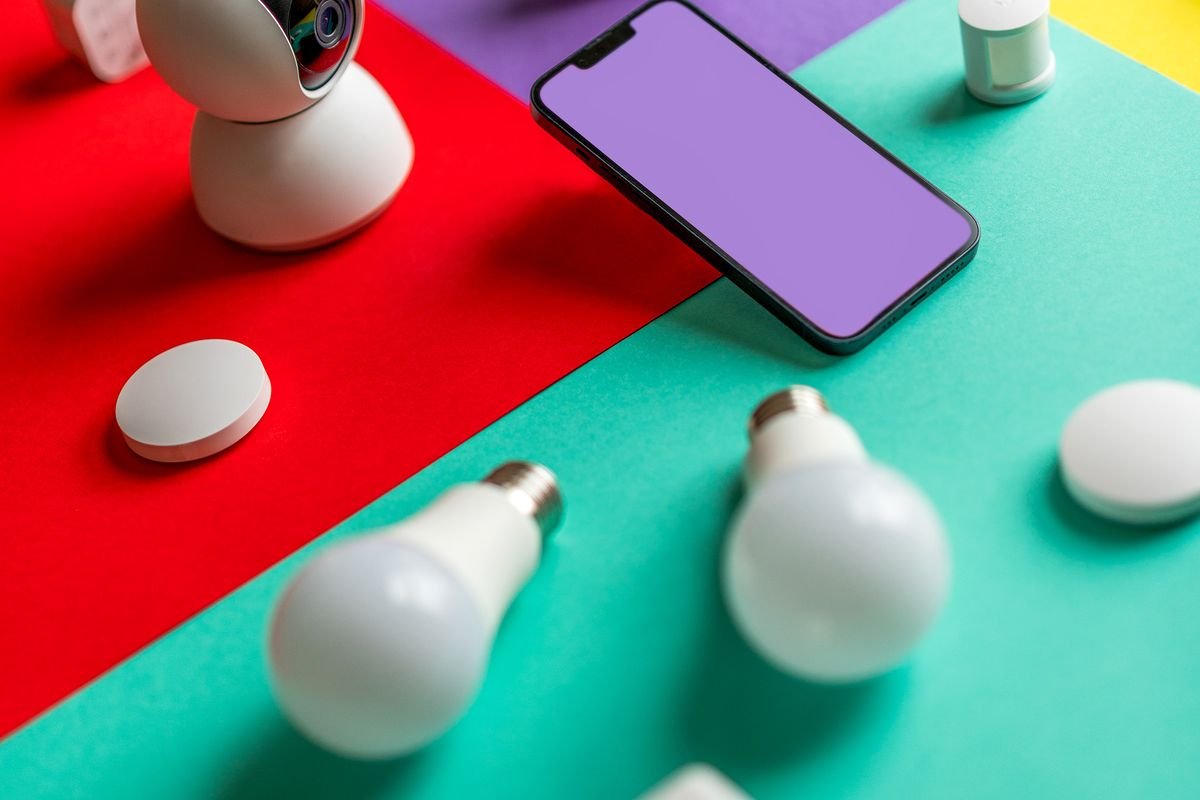

A smart bulb from one brand, a thermostat from another, and a door lock from a third. For years, putting these together meant juggling separate apps, each with its own account and quirks, and hoping that a voice assistant would play nicely with all of them. The smart home promised convenience but often delivered a pile of incompatible gadgets. A relatively new standard called Matter is trying to fix that, and understanding how devices actually talk to each other makes it easier to buy wisely and avoid frustration.
Why Smart Devices Struggled to Work Together
Smart home products have used a range of different technologies to communicate. Some connected over Wi-Fi, others used Bluetooth, and many relied on specialized low-power wireless protocols such as Zigbee or Z-Wave that needed a dedicated hub. On top of that, each manufacturer often built its own cloud service and app, and decided which other brands it would work with. The result was a landscape of closed ecosystems. A device might work beautifully with one voice assistant and not at all with another.
For buyers, that meant researching compatibility carefully before purchasing anything, and sometimes being stuck with a device that stopped working properly when a company changed its software or shut down its service.
What Matter Is
Matter is an open standard developed by a group of technology companies through the Connectivity Standards Alliance, and it was first released at the end of 2022. Instead of each manufacturer inventing its own language, Matter defines a common one that devices and platforms agree to speak. Products that are certified as Matter-compatible are designed to work with the major smart home ecosystems, including those from Apple, Google, Amazon, and Samsung, as well as other systems that support the standard.
In practice, this means that a Matter light bulb or sensor should be controllable from more than one app and assistant, and that you are not locked into a single brand’s ecosystem for everything.
How the Connections Actually Work
- Wi-Fi. Familiar and widely available, suited to devices that are plugged in or need to send more data, such as cameras and plugs.
- Thread. A low-power wireless mesh network designed for small devices like sensors, locks, and bulbs. Thread devices pass messages to each other, which can make the network more reliable as you add more of them.
- Ethernet. Wired connections, used for some hubs and bridges.
- Bluetooth. Used mainly during setup, to pair a new device quickly with a phone.
Matter itself is not a wireless technology. It is the shared layer on top, defining how devices describe themselves, accept commands, and report their status, regardless of the network underneath.
Hubs, Controllers, and Border Routers
A few terms come up repeatedly. A controller is the device or app that sends commands and runs your automations, such as a smart speaker, a phone, a smart display, or a dedicated hub. Thread devices need a border router, which bridges the Thread network to your home Wi-Fi and internet connection. Many smart speakers, displays, and streaming devices now include one, so you may already own what you need.
When I first set up a few Thread sensors, I assumed I would need to buy a separate gadget. It turned out my existing smart speaker already worked as a border router, and the setup took only a few minutes.
Local Control and Privacy
One of the benefits of Matter is that devices can talk to each other and to your controller over your home network rather than always sending commands through a company’s cloud. This can make responses faster, and some functions can continue working even when the internet goes down. Local control can also reduce the amount of data sent to outside servers, although many smart devices still use the cloud for features such as remote access, firmware updates, and voice control. Reading a product’s privacy policy and understanding which features need an internet connection remains worthwhile.
What Matter Does Not Solve
- Not every device is covered. The standard has been expanding the types of devices it supports, but some categories and advanced features are not fully available yet.
- Features can be lost in translation. A basic function, such as turning a bulb on and off, will work everywhere, but advanced manufacturer features may only be available in the original app.
- Older devices may need a bridge. Some existing Zigbee or Z-Wave products can be linked through a hub that supports Matter, but not all can.
- Setup can still be fiddly. Adding devices usually involves scanning a code, but quirks still appear between brands.
- Security still depends on you. Strong Wi-Fi passwords, updated firmware, and caution about what you connect remain important.
How to Buy With Compatibility in Mind
- Look for the Matter logo on the packaging, and check which ecosystems the specific product supports.
- Check the device’s connection type. Thread devices need a border router, and Wi-Fi devices may place more load on your network if you own many.
- Choose a main ecosystem. Pick the assistant and app you will use most, and check that the device works well with it.
- Start small. Begin with a few devices, such as plugs, bulbs, or sensors, before building a larger system.
- Read the update policy. Manufacturers that commit to regular updates are a safer long-term choice.
Making It Reliable at Home
A smart home depends on a healthy home network. A good Wi-Fi router placed centrally, a mix of mains-powered Thread devices to strengthen the mesh, and a habit of naming devices and rooms clearly in your app all help. It is also wise to keep smart devices on a separate guest or IoT network if your router supports it, which limits the exposure of your main devices if one is compromised.
FAQ
What is Matter in a smart home?
Matter is an open standard that lets smart home devices from different brands work together and be controlled by multiple platforms, such as those from Apple, Google, Amazon, and Samsung.
Do I need a hub to use Matter devices?
You need a controller, which could be a smart speaker, display, or hub. Thread-based devices also need a Thread border router, which many current smart speakers and displays already include.
Will my old smart devices work with Matter?
Some may, through a bridge or hub that supports Matter, but not all older devices are compatible. Check the manufacturer’s information.
Does Matter work without the internet?
Many basic functions can work locally over your home network, but features like remote access and some voice control still depend on an internet connection.
Conclusion
Matter will not make every smart home gadget perfectly interchangeable overnight, but it is a real step toward devices that work together instead of competing. Knowing how they connect, what a border router does, and what to check before buying makes it much easier to build a smart home that works the way you expect.